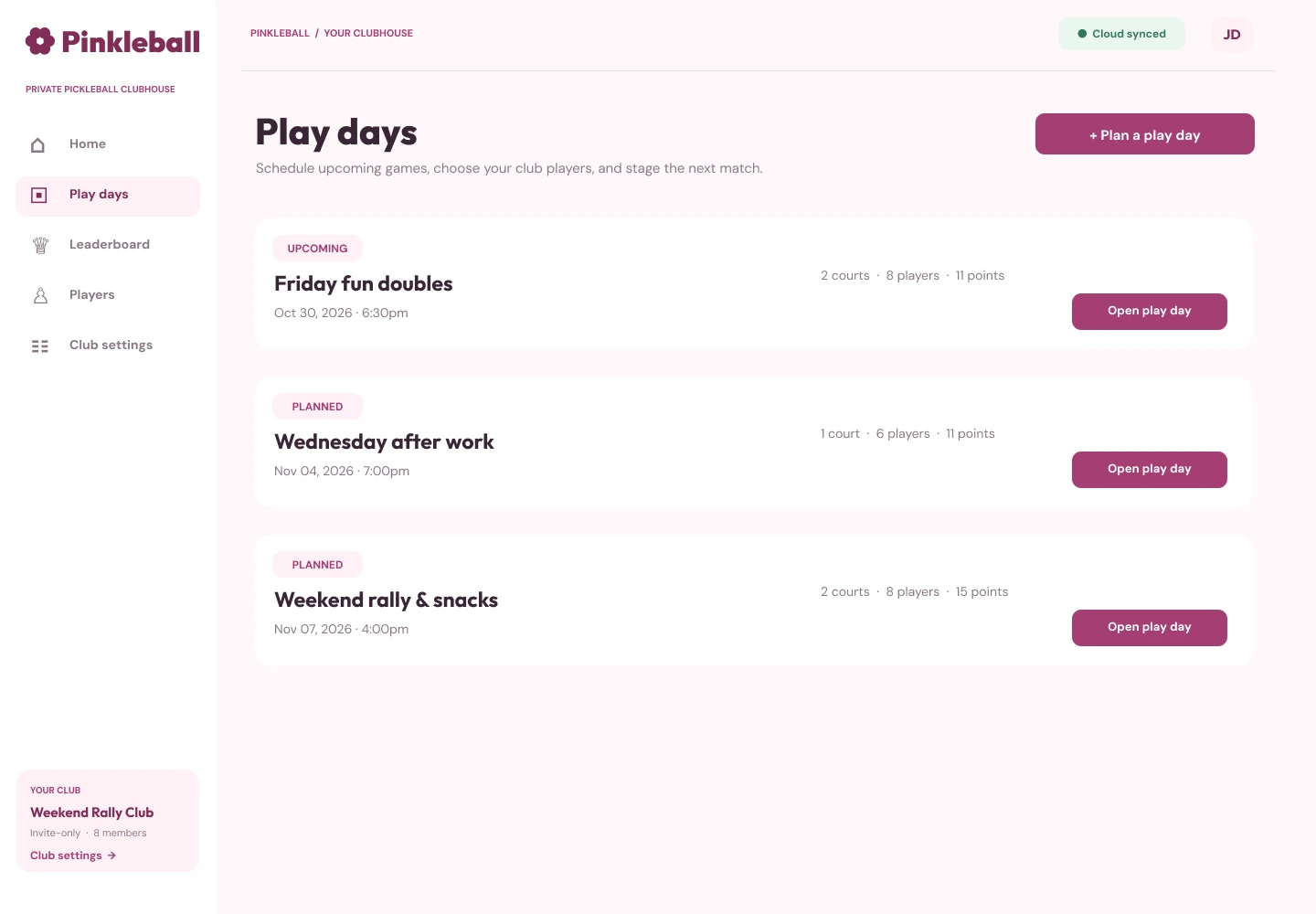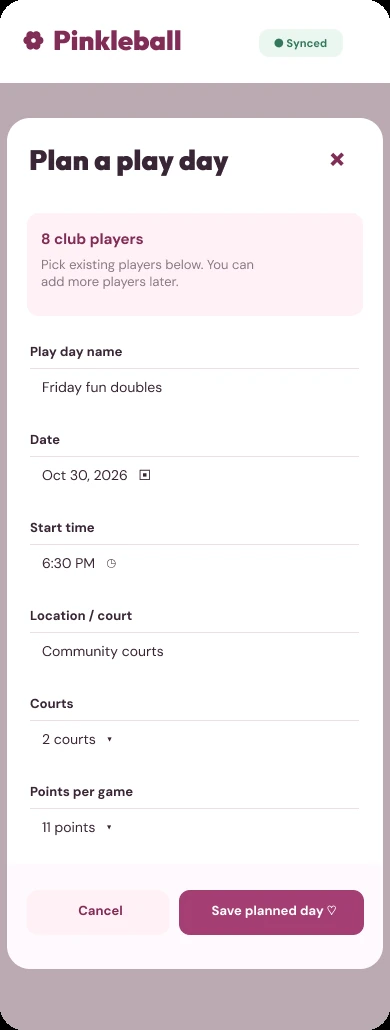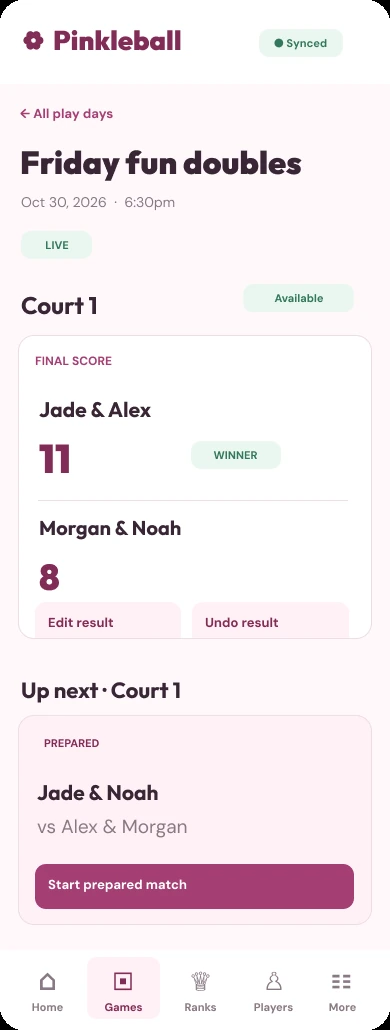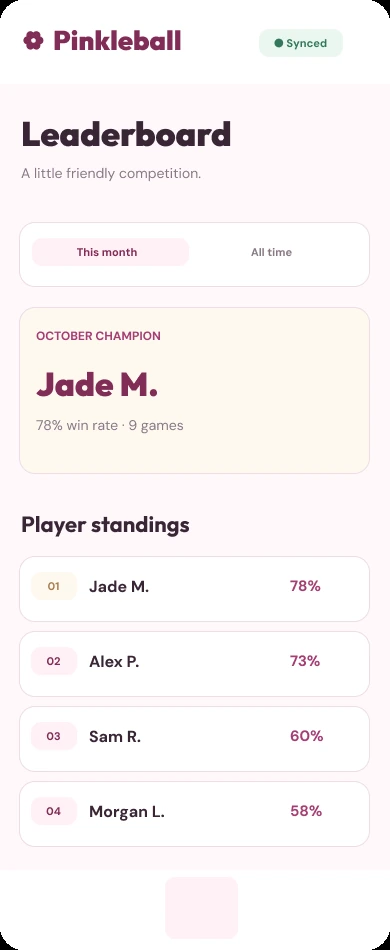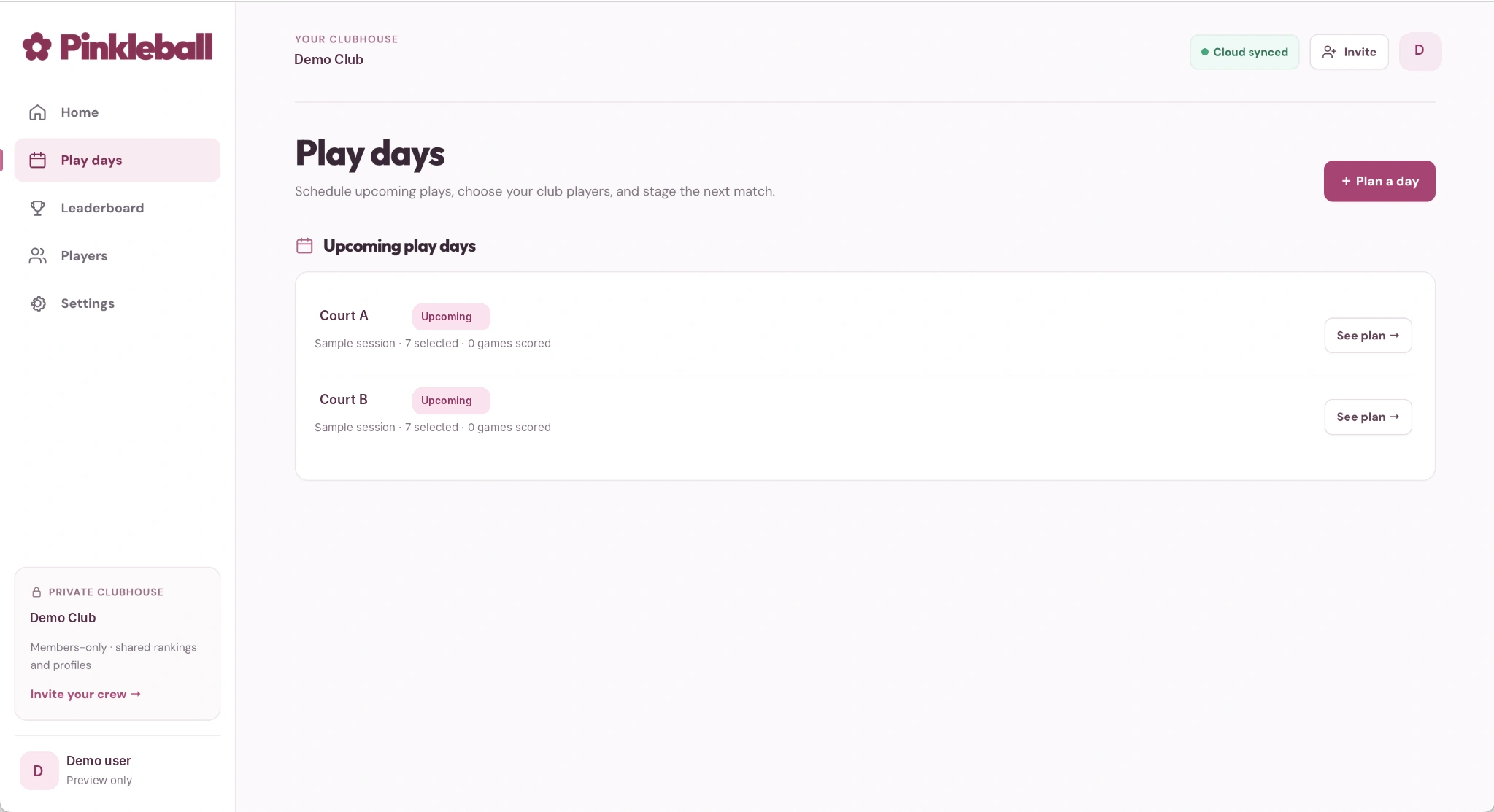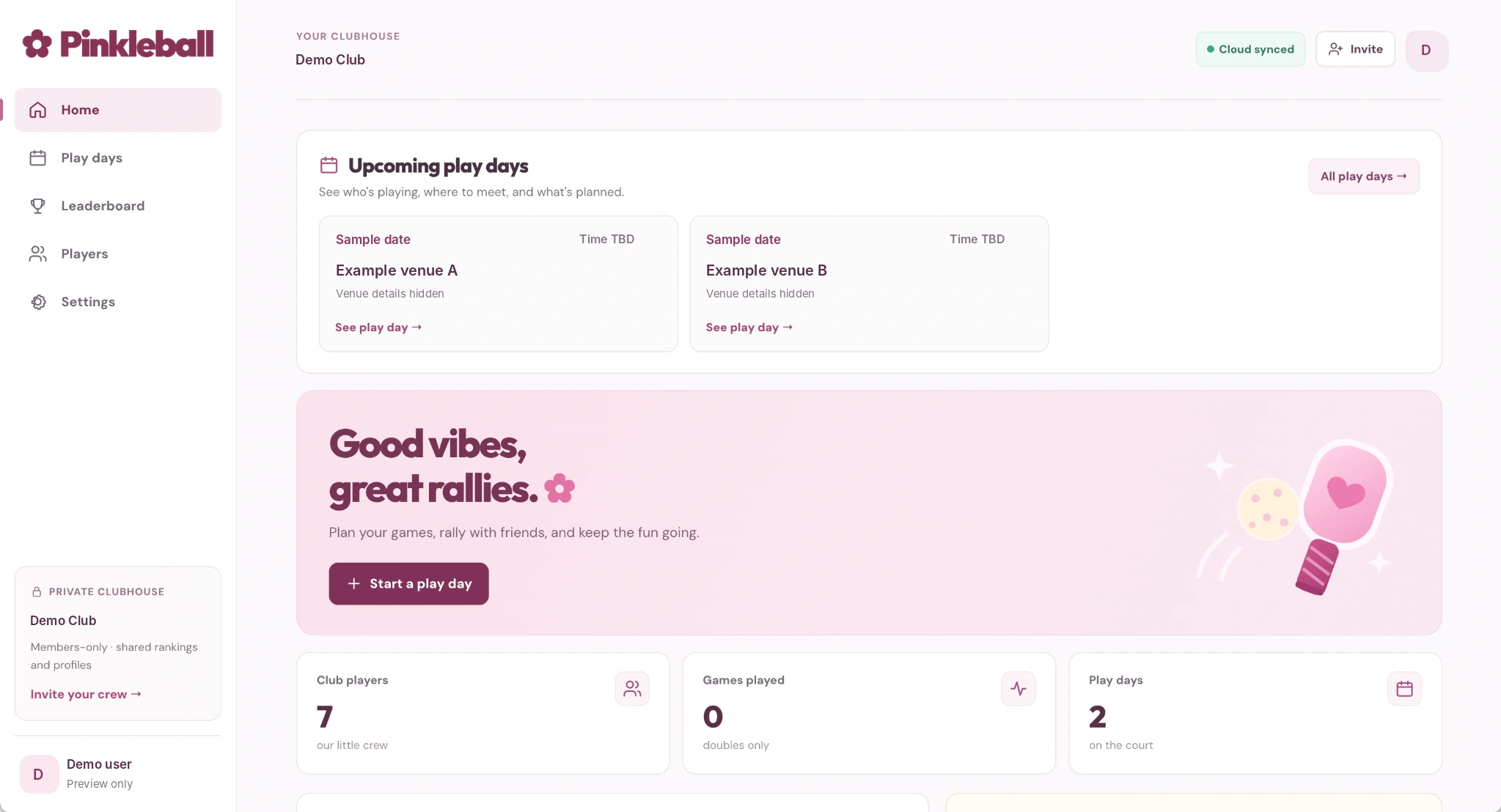
Play days, organized.
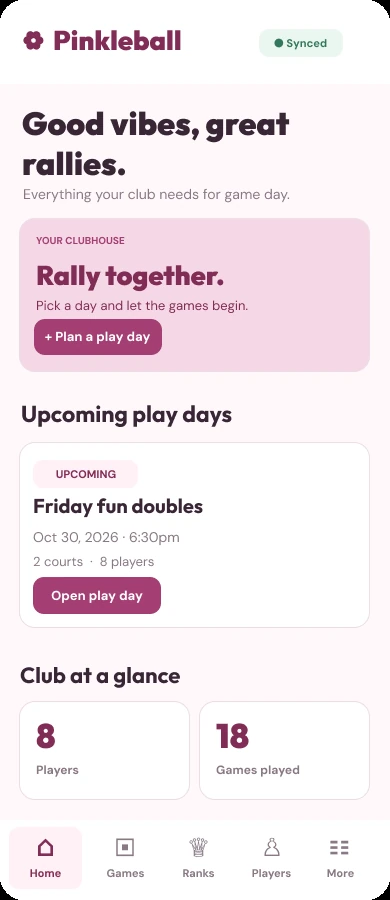
Upcoming games have a home of their own. The crew can quickly see the date, time, venue, court, and who's joining.
- Upcoming play day schedule
- Venue and court details
- Players included in each session
A little clubhouse for our favorite kind of competition.
A playful, private pickleball app I created for our friends and family—where we can plan games, keep track of matches, and enjoy some friendly rivalry.
Our pickleball group is made up of friends and family who enjoy playing together, with a little friendly competition here and there. I thought it would be fun to have our own little space to plan games, keep track of players, and see how everyone's doing.
So I built Pinkleball! Nothing too serious or complicated. Just a fun personal project that turned into a private clubhouse for our group, with a little extra pink personality because, well, I made it. ♡
Make it easy to see when and where we're playing, without digging through messages.
Give our little group its own space, with an invite-only club and player profiles.
Track results and standings, without losing the fun, casual feeling that brought us together.
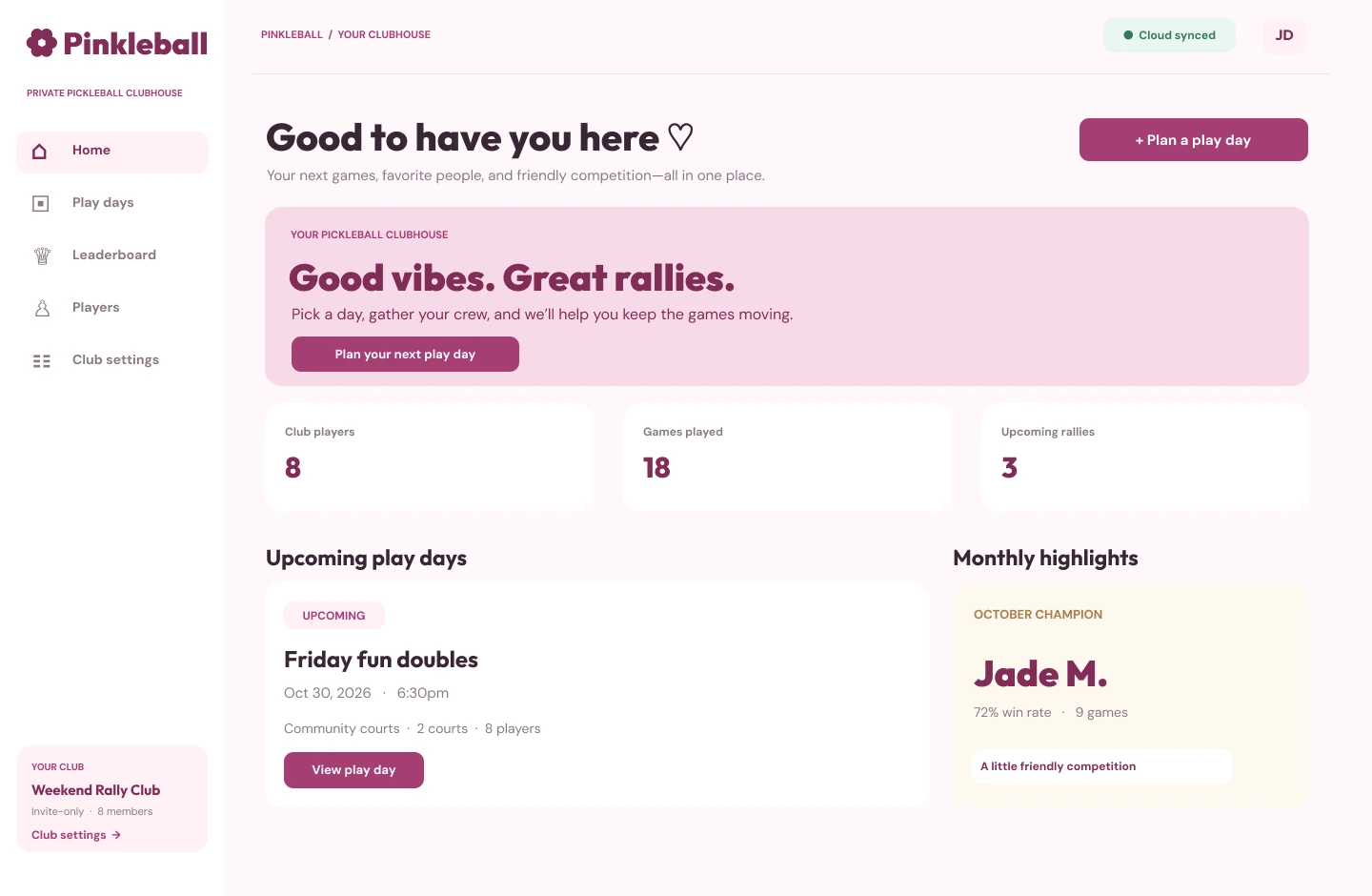
From the next game to the latest standings, every screen was made around how our little club actually plays.
Upcoming games have a home of their own. The crew can quickly see the date, time, venue, court, and who's joining.
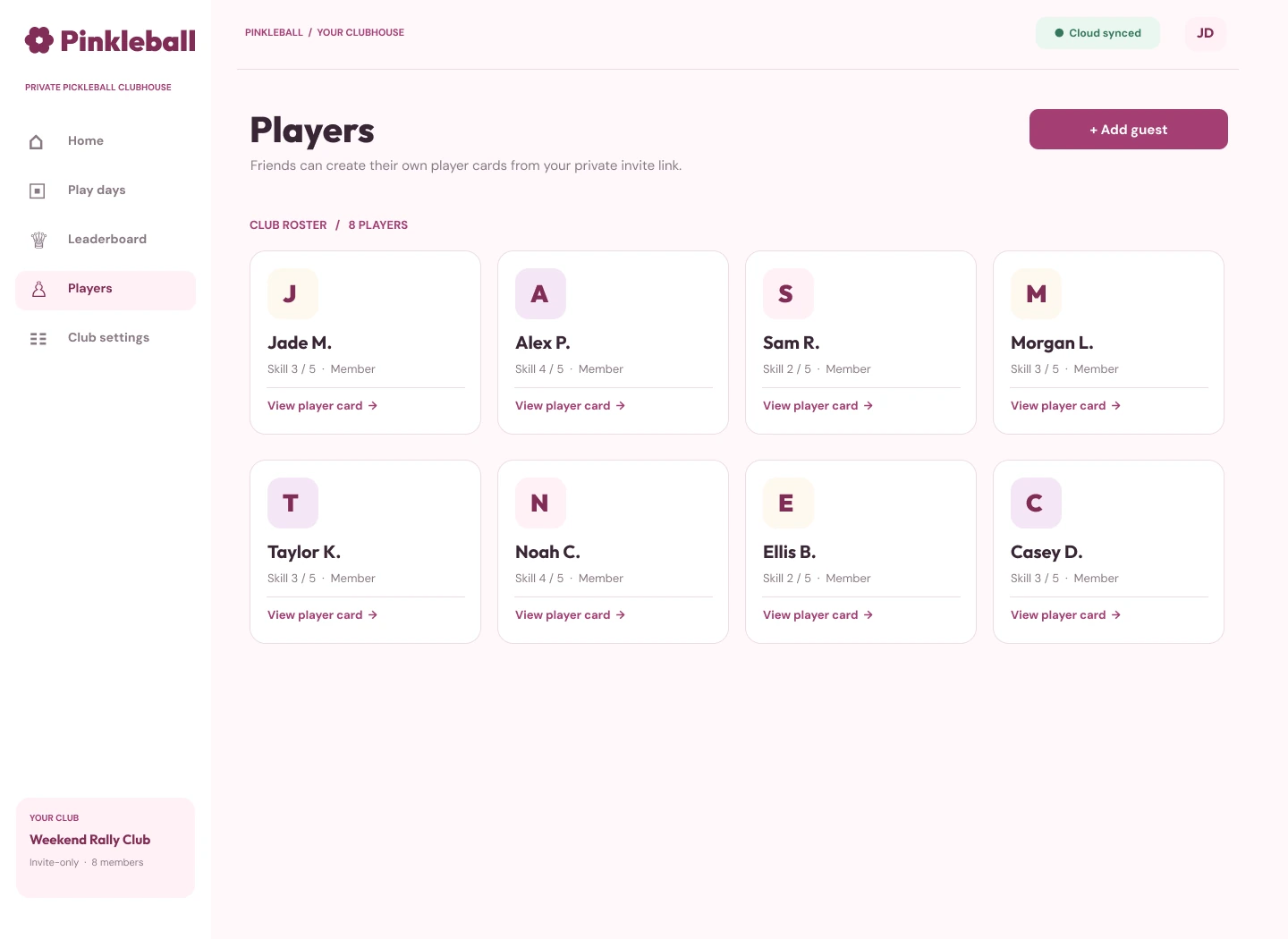
Each player gets a place on the roster, with their match history and performance stats visible together. A little home for the people behind the paddles.
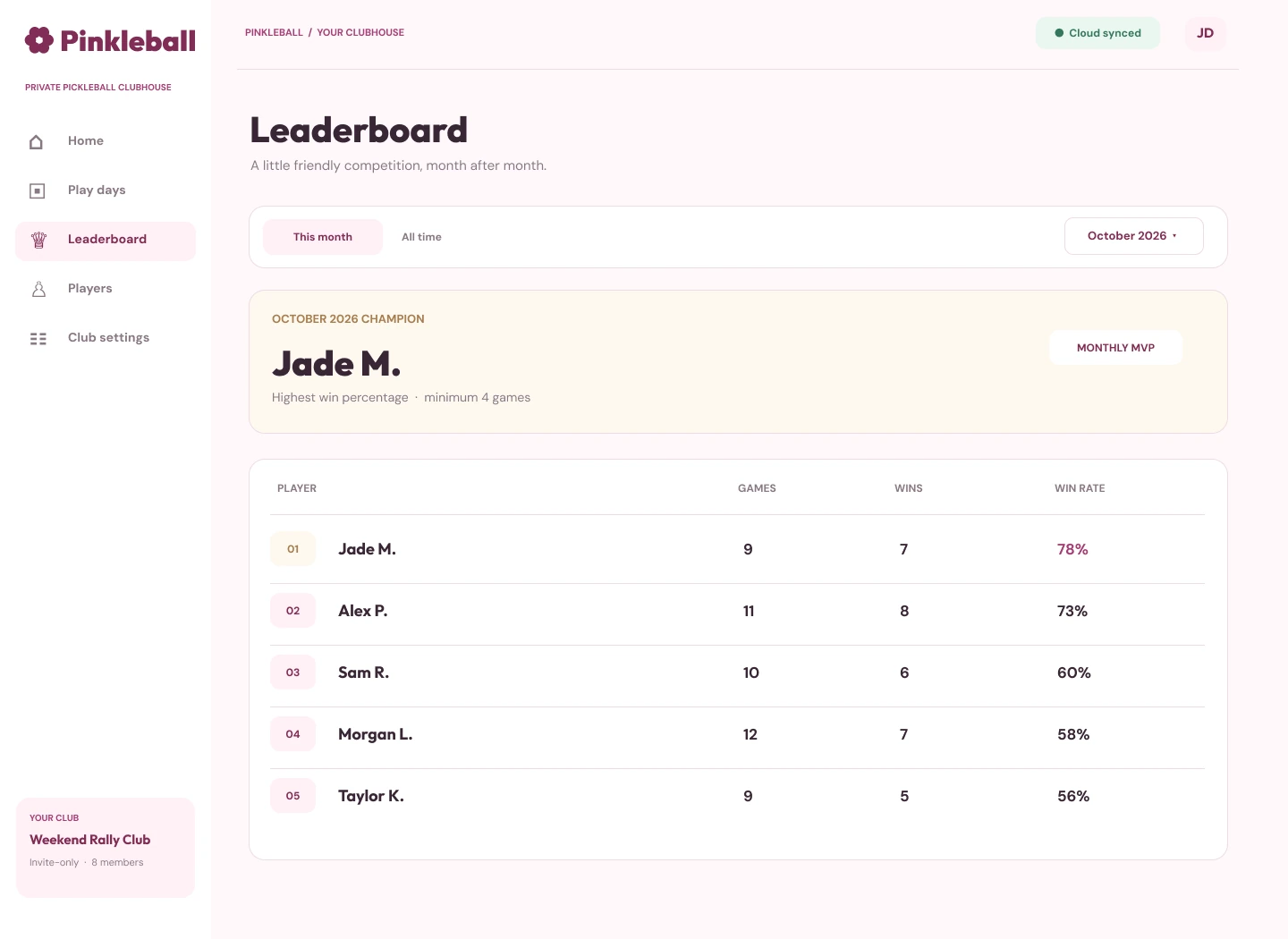
Monthly and all-time standings give everyone something to play for. The club can celebrate its champion while keeping the competition lighthearted.
Pinkleball is a private space, not a public social network. The invite flow makes it easy for friends and family to join the clubhouse.
After booking a court, the group can split venue costs equally across everyone attending, including session-only guests, and mark who has paid. It's a simple record of what is owed—not a payment processor.
Beyond the highlighted screens, Pinkleball includes the behind-the-scenes tools that keep our play days running smoothly.
The starting point wasn't a long feature list. It was a few familiar moments: making plans, keeping games moving, and checking how everyone did afterward.
These Figma explorations helped me think through what each screen should make easier, and how the experience could work across desktop, mobile, and a shared court display.
View the Figma mockups
Quickly find the next session, players, and courts.
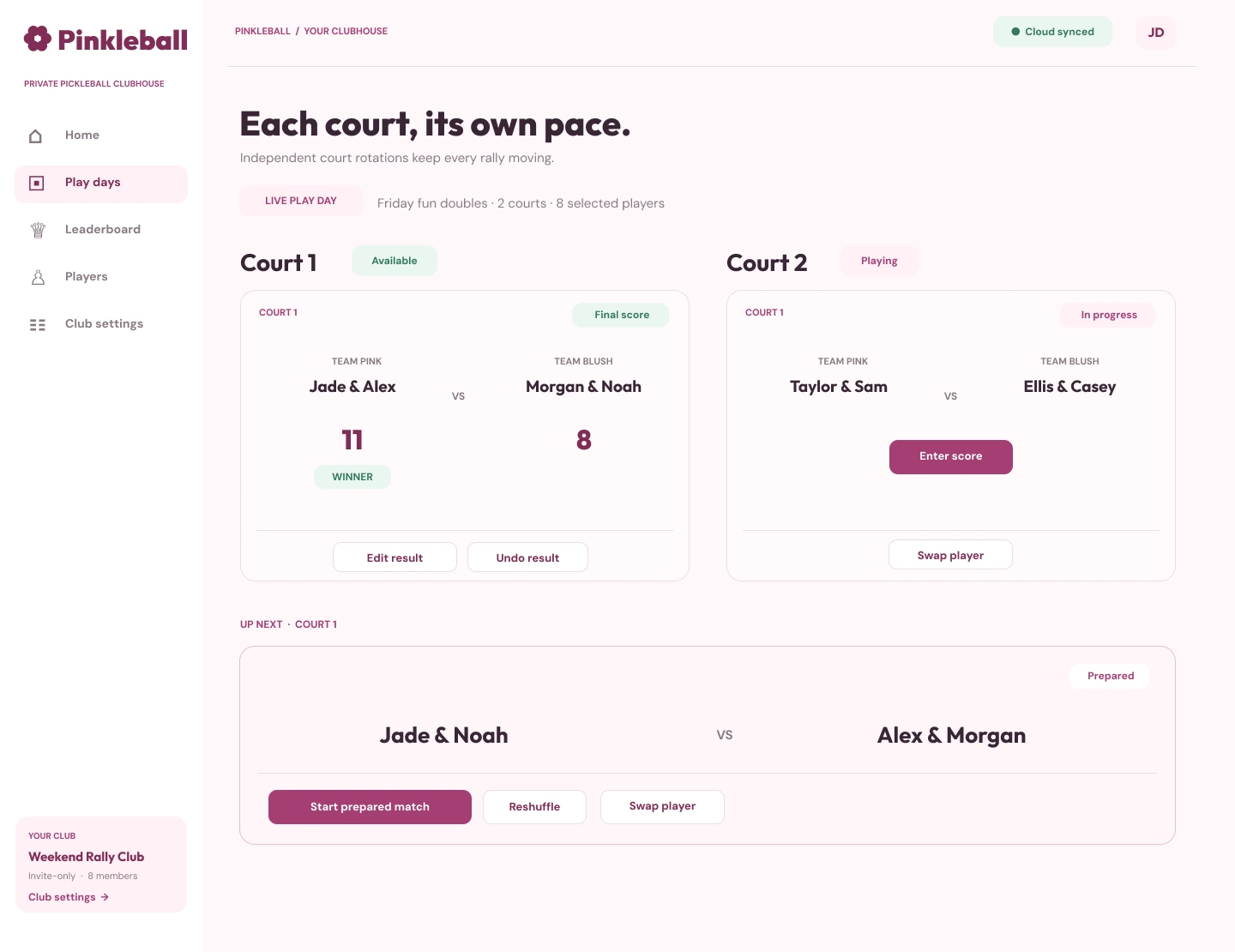
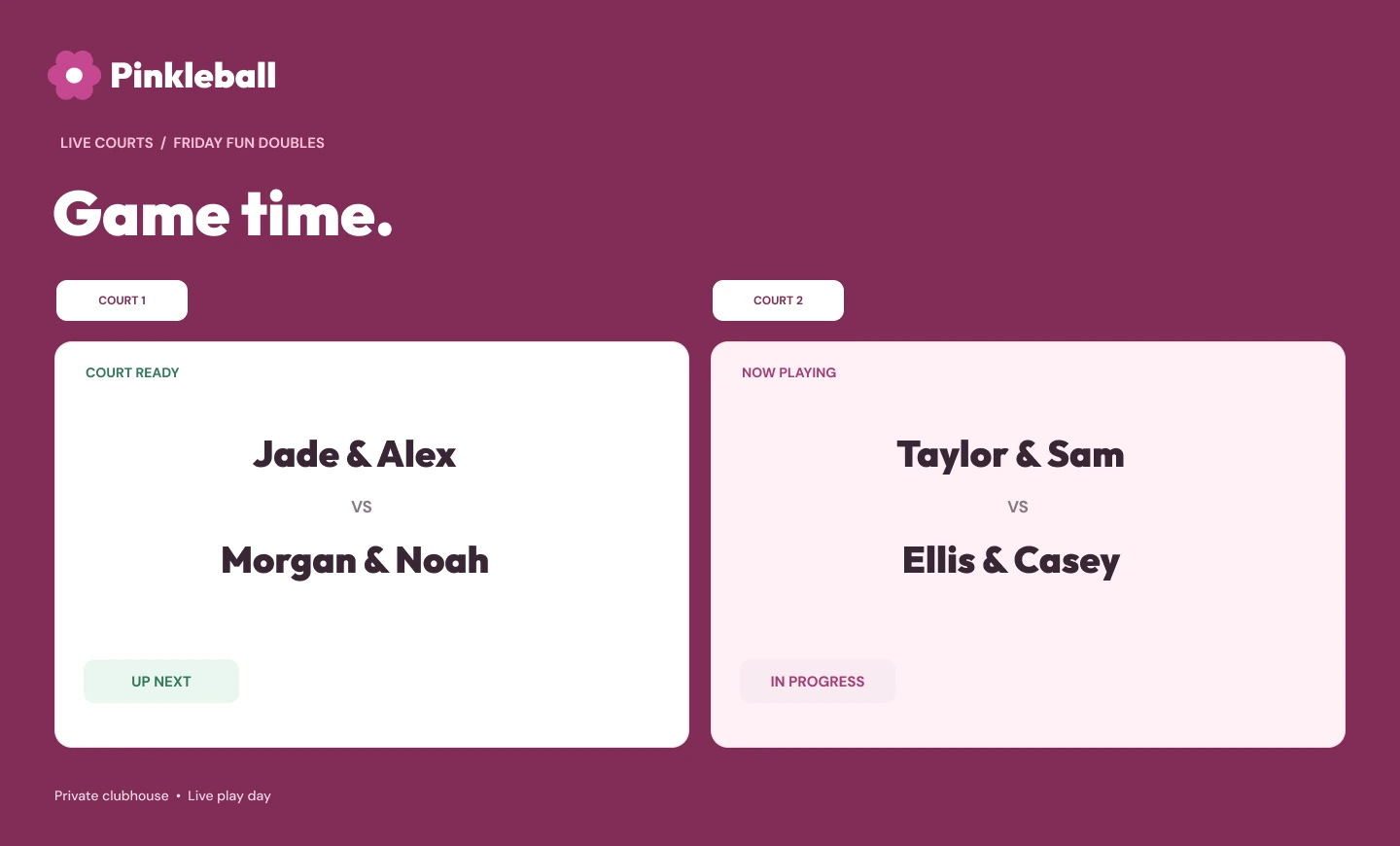
See live matches, results, and who's up next.
Keep player stats and rankings easy to scan.
Six desktop and shared-display concepts · Select an image to view full size
I wanted Pinkleball to feel warm, playful, and approachable. Soft pinks and deeper berry tones give it personality, while clear navigation and simple layouts keep the important things easy to find.
Blush / Petal / Rose / Pink / Berry

A peek at where Pinkleball could go next—from easier play days to more personal moments and, eventually, friendly competition between clubs.
Less organizing, fewer reminders, and more time on the court.
Make repeat play days simpler to set up, with smoother guest, break, and match-editing workflows.
Get updates about upcoming sessions and schedule changes.
Bring Pinkleball to a phone's home screen for a more app-like experience.
Little reasons to come back, celebrate progress, and remember the best rallies.
Earn collectible badges for participation and milestones.
Discover frequent doubles partners and shared match statistics.
Get automatically generated session highlights and stats.
Take part in mini-challenges, polls, themed sessions, and community awards.
Explore personal stats, participation history, and achievements.
Save favorite moments in a club-only gallery.
Celebrate each player's pickleball year with a personalized recap.
Bigger possibilities to explore—without losing the private, casual clubhouse feel.
Keep essential session information available even with limited connectivity.
A possible platform-wide ranking system that connects participating Pinkleball clubs while respecting club privacy.
This is a directional roadmap, not a release schedule. Features, priorities, and sequencing may change based on development and feedback.
Pinkleball isn't anything new or groundbreaking, and that's okay. I just wanted to build something simple and fun that fits how my family and friends actually play.
The best part is that we can keep changing and adding to it based on what our group wants and needs. It's a fun example of bringing product thinking, interface design, and hands-on building together in one small, complete experience.
Project note: Pinkleball is a private club app. Screenshots show the working interface; account identifiers, member names, and invitation details have been hidden for privacy.
Have your own pickleball crew? Leave your email and group name below. I'll review requests myself and, if I can offer your group access, send you a private invite code.
A private, friends-and-family project—shared here as a product and design case study.